
How Do I Make a Website for My Small Business?
Below is a Simple Guide That Actually Works
If you just want the quick version, here it is. We’re going to walk through the core things every small NZ business needs to build a website that actually works:
How to figure out who you’re talking to.
How to choose the right platform.
What to put on your homepage.
The must-have pages.
How to write clear, human copy.
What proof to show.
How to make it easy for people to contact you.
The simple SEO basics most people miss.
And why updating your site matters more than you think.
If you want the deeper version, keep reading.
1. Start with your audience. Seriously. It changes everything.
This is the bit no one tells you. Your website isn’t really about you. It’s about the people you want to attract.
When you nail who you’re talking to, suddenly:
Your copy feels clearer
Your design makes sense
Your offer hits properly
It’s the first “aha” moment for most of my clients. Everything gets easier once you know who you’re trying to reach.
2. Pick a platform that fits your brain, not the trends.
Some platforms are all over the media, others look easier, som peoples reviews rave about one platform, while others HATE them. None of that matters.
Ask yourself:
Do I sell products?
Do I want or need customer support?
Do I like playing with tech?
Or do I just want something I can update without crying?
Quick guide:
Shopify for stores selling products
Squarespace for easy to use service based websites
Webflow for tech confident creatives wanting no boundaries
Wix if you’re wanting a cheaper, temporary website until you’re ready to grow
Choose the path of least resistance. At the end of the day, they all do the same thing, they get your business seen. The website needs to be built well to perform on any platform, it’s not the platforms fault if your website isn’t working.
Your website should support your business, not take over your life.
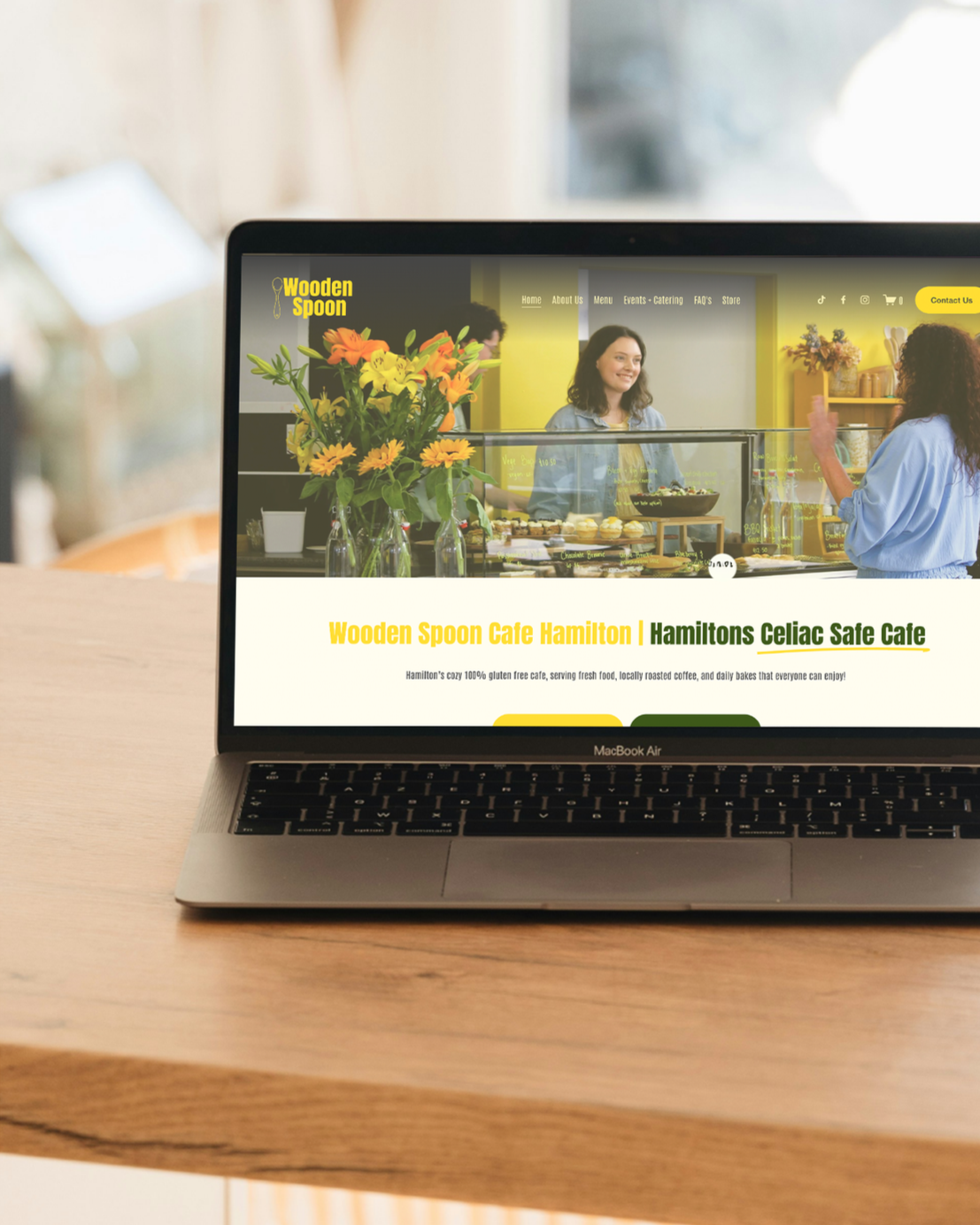
3. Your homepage has one job: Make people understand you instantly.
People land on your site and scan in seconds.
They’re asking:
What do you do?
Who’s it for?
Why should I trust you?
Give them the answer fast.
No fluff. No mystery.
Honestly, most homepage issues come from unclear messaging.
Fix the messaging and the whole site suddenly feels more “expensive.”
4. Stick to the core pages. Don’t create a website labyrinth.
You do not need 17 pages. Not to get started, not until you understand your business and your audience and you’re ready for growth. Promise.
You just need to gain trust, the below is the best starting point:
Home
About
Services or Shop
Contact
FAQs
Blog
If someone can’t find what they need with two clicks, they’re gone.
Simple beats fancy every time.
When you’ve found your feet you can expand on the website with things like targeted landing pages, breaking out your services etc.
5. Write like a real human. Not a brochure.
The biggest shift?
Stop trying to sound “professional.”
Start sounding clear and speak to your audience. For example, a lawyer would have a different tone to a downtown Cafe.
Talk like you talk to your customers in person:
Here’s what I do
Here’s how it helps
Here’s what happens next
When your copy feels human, people trust you. Trust = Enquiries.

6. Show proof. Real proof.
This is the clincher for conversions.
People want to see that someone else trusted you first.
Use:
Testimonials
Before-and-afters
Client stories
Google reviews
Every bit of proof removes doubt.
Your design matters, but your social proof does the heavy lifting.
7. Make it ridiculously easy to contact you.
If someone wants to reach you… let them.
Don’t hide your contact button. Don’t make forms feel like an interview.
Clear buttons. Short forms. Obvious next steps. This alone can double your enquiries.
So often people don’t want to put their contact details on their website, but how would someone call you if they needed urgent help? Not putting your contact details on your website is like saying goodbye to leads every week.
8. Get the basics right (this is where DIY sites fall apart).
A great website isn’t built on “fancy.”
It’s built on fundamentals:
Page titles that make sense
Images sized properly
Keywords people actually search
Clean, simple layouts
Clear hierarchy
Once these are tight, the whole site feels more polished and trustworthy.
9. Refresh things often. It keeps your site alive.
You don’t have to overhaul your site every year. Just keep it fresh.
Update:
Photos
Services
Testimonials
Blogs
Search engines love it. AI tools love it. Your customers will too. Annnnnd, these updates can double as social media posts, driving traffic to your website!

Feeling stuck? Totally normal.
Building your own website is doable. But it can also feel like a puzzle with missing pieces.
If you want clarity without the chaos, that’s where I come in.
I build websites that feel sharp, clear, and built for your audience.
Designed to convert. Easy for you to manage. And affordable for every stage in business.
Book a free discovery call and let’s figure out what your business actually needs.
